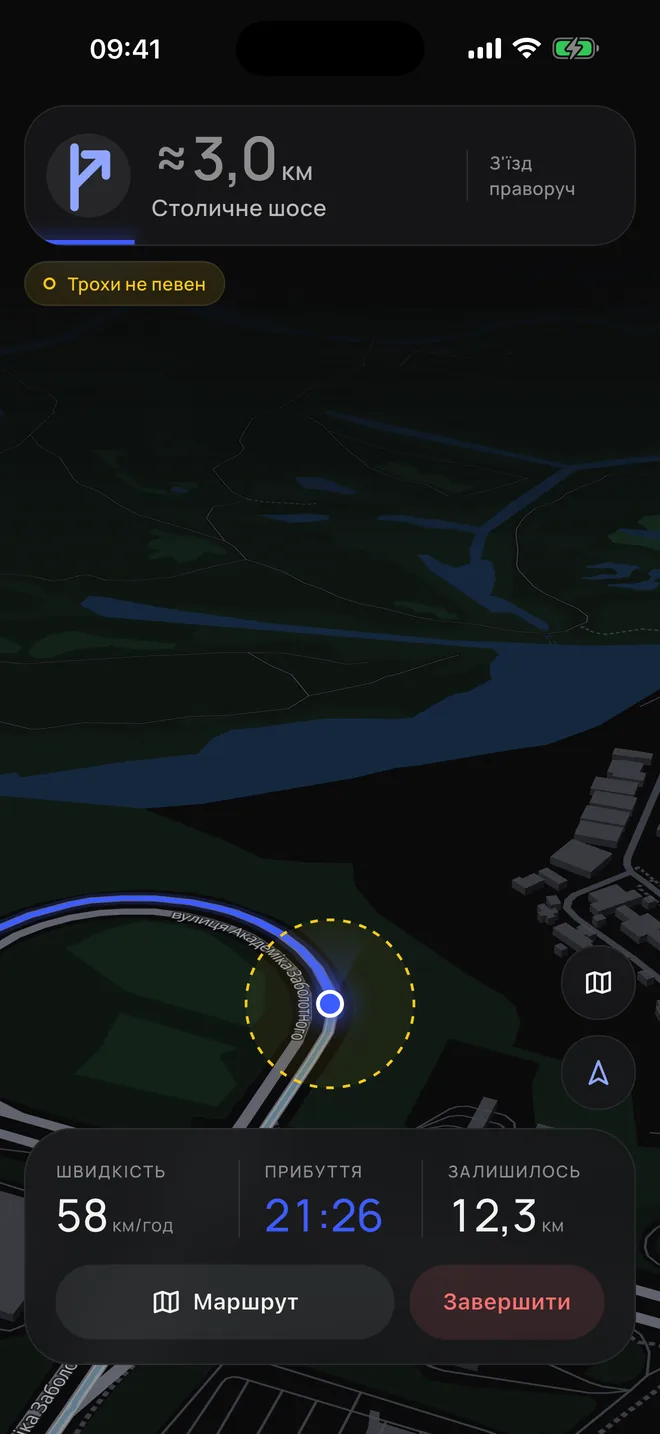
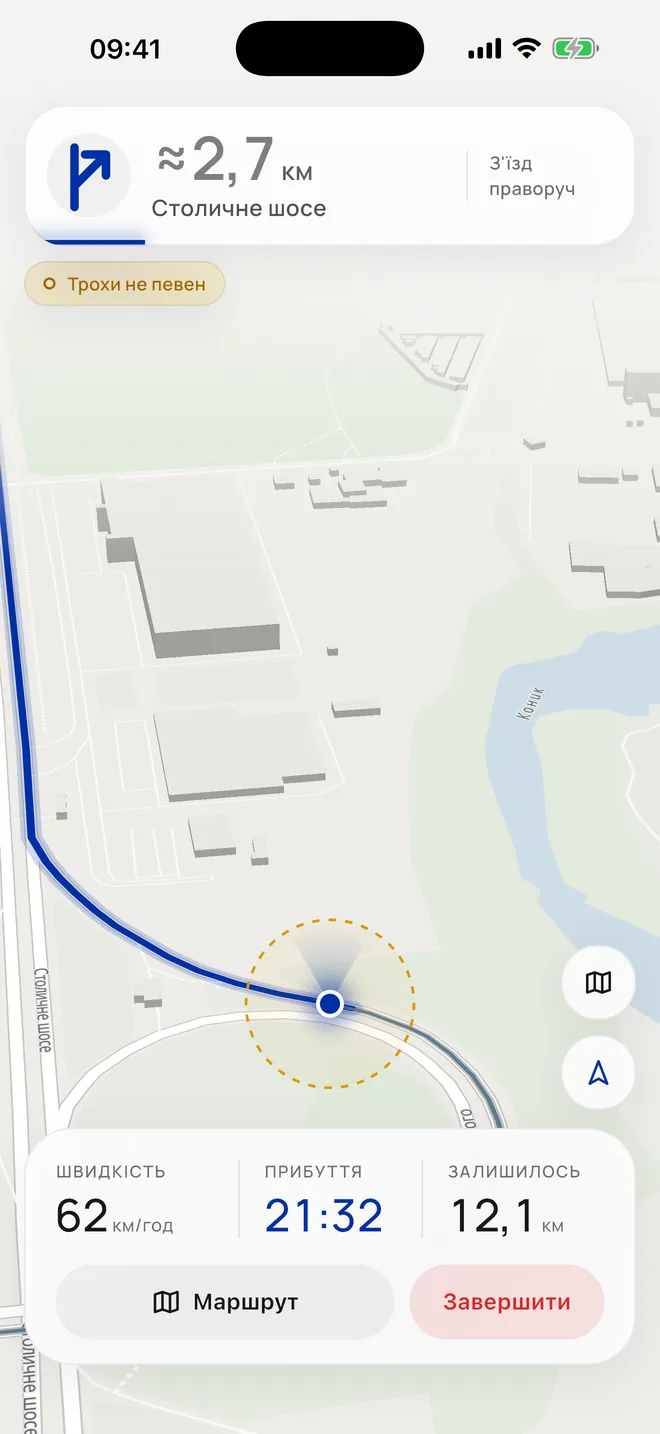
With an adapter
GPS gone? Don’t worry, I’ll get you there.
GPS gets lost in tunnels, in car parks and between tall buildings. And sometimes it’s jammed. Then an ordinary navigator freezes or shows the car in the wrong place. I check GPS against how the car is actually moving, so I can tell when it’s lying. And I keep guiding — here’s how:
- Show me where the car is Put the crosshair on the car or confirm the place by GPS. I’ll start from there.
- Connect the adapter It’s a small device in the port under the steering wheel. Through it I know how fast you’re going.
- Then I guide on my own I count how far you’ve driven and where you’ve turned, and show where the car is now.
How I guide when GPS lies
Here’s a trip: first GPS is jammed, then it vanishes in a tunnel. But I keep guiding — and here’s what I see.
GPS OK
What I see
Adapter0 km/h
the car’s speed
Phone sensorsstraight
where the car turns
Road mapon the road
where the roads and junctions are
Without an adapter
No adapter? I’ll still guide you.
Without an adapter I don’t know how fast you’re going. So I guide the car along the route and estimate the speed from the speed limits on its roads. This is less precise, so now and then I need correcting. I only show GPS: it doesn’t change where the car is.
- Show me where the car is, and plan a route I’ll start from there and guide the car along the route.
- Moving off — press Stopped at traffic lights or in a jam — press . Without an adapter I can’t see when the car is standing still.
- Lagging behind or running ahead? Correct me and change the speed, and move the car’s position 100 m forward or back along the route. Or show me with the crosshair on the map where the car is.
- Turning off the route Tap the highlighted road you’re turning onto — I’ll guide the car there.
What you’ll need
PhoneiPhone or Android. I run on it and guide you.
Car adapterA small device in the port under the steering wheel. Through it I know how fast you’re going. In shops, look for “ELM327” or “OBD-II”. For iPhone, its name or description must say “BLE”, “Bluetooth 4.0”, “Wi‑Fi” or “iOS”: iPhone works only with those. For Android, any will do. Don’t buy one that “works only with the manufacturer’s app”: I won’t see it. I’ll guide without one too, but less precisely.
HolderThe phone must be mounted securely. Then its sensors read correctly, and I see more precisely which way you’re moving. Any angle that suits you: I’ll learn how the phone sits by myself. Don’t take it out during the trip.